Family Screen Time Plan: Rules, Routines & Tools
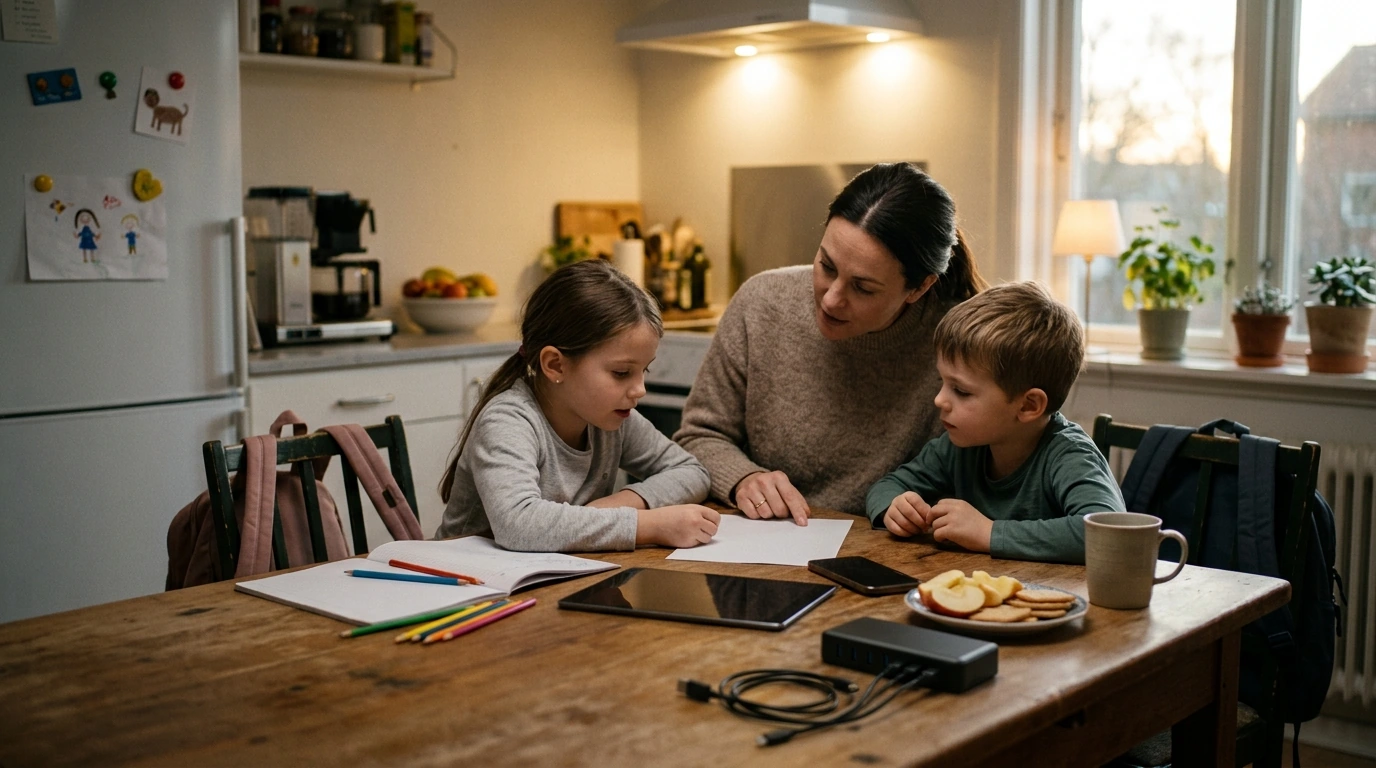
Ultimate Family Toolkit for Screen Time Management: A Calm, Practical System for Kids, Teens, and Parents
Managing screens doesn’t have to feel like a daily negotiation. A workable family plan combines clear expectations, consistent routines, and tools that make limits easier to follow. This guide lays out a realistic system you can set up in a weekend—then adjust as your kids grow—so screens support school, sleep, and family time instead of crowding them out.
What “screen time management” looks like in real life
Effective screen time management isn’t about zero screens—it’s about fewer battles, healthier habits, and better focus. Start by separating screen use into categories so you’re not treating everything the same: learning (school platforms, tutorials), social connection (messaging, group chats), entertainment (games, videos), and passive scrolling (feeds that keep going).
Most friction happens at predictable pinch points: mornings, homework time, bedtime, and device handoffs (turning it off, giving it back, “just five more minutes”). Instead of reacting in the moment, set household values that guide decisions: sleep, respect, responsibilities, and relationships. When kids know the “why,” the rules feel less random.
Build the family agreement: boundaries that kids can follow
A short written agreement beats a long list of rules. Aim for 3–5 non-negotiables that stay steady even when schedules change: no devices during meals, devices charge outside bedrooms, homework before gaming, and one spot for charging are common winners.
“When/then” rules reduce arguing because the path is clear: when responsibilities are done, then leisure screen time unlocks. Add location rules (common areas for younger kids) and reasonable privacy for teens paired with periodic check-ins, not surprise inspections. Consequences work best when they’re immediate and predictable—think a shorter session tomorrow or an earlier shutoff—rather than big, emotional punishments.
Sample family screen time agreement (edit to fit ages and school schedules)
| Area | Default rule | Family note |
|---|---|---|
| School nights | Leisure screens end 60–90 minutes before bed | Adjust for sports, homework load, or special events |
| Homework | No entertainment apps until tasks are complete | Use timers and breaks to avoid burnout |
| Meals | Devices away during meals | Family exceptions: travel or special calls |
| Bedrooms | Devices charge in a shared spot overnight | Alarm clocks replace phones if needed |
| Weekends | Leisure screens after morning routines | Plan at least one offline family activity |
Keep the agreement visible (printed on the fridge or shared in a family note) and review it monthly—especially after new devices, new apps, or schedule shifts.
Set up routines that reduce daily decision fatigue
Routines prevent “case-by-case” decisions that wear everyone down. Make mornings simple: screens stay off until your child is dressed, breakfast is done, and bags are ready. After school, build a reset: snack, water, and 10 minutes to decompress before homework or activities. This reduces the urge to collapse straight into scrolling.
For studying, use focus blocks (25–45 minutes) followed by a short break. The key move: keep phones out of reach. Even if they’re face down, nearby devices pull attention. In the evening, protect a wind-down window with dimmer lights and low-stimulation activities, and set a predictable “devices to charger” time so bedtime isn’t the battleground.
Tools and settings that make limits easier to enforce
With teens, emphasize transparency and shared problem-solving rather than surveillance. A collaborative approach aligns with guidance on building healthy digital habits and minimizing conflict; for additional perspective, see the APA’s advisory on social media use in adolescence.
Age-based strategies: what changes from preschool to teen years
Ages 14–18: Collaborate on goals (sleep, grades, sports, mood). Use data you can both see—sleep consistency, homework completion time, energy levels—and adjust boundaries together. Across all ages, sleep is the anchor habit; the CDC’s sleep resources can help families understand healthy patterns and why consistency matters (CDC sleep guidance).
Turning conflict into cooperation
A ready-to-use option: Ultimate Family Toolkit for Screen Time Management
If your household wants a structured, written plan without starting from scratch, Ultimate Family Toolkit for Screen Time Management is designed to help families define rules, routines, and predictable consequences in a format that’s easy to share across caregivers.
For families also building better focus habits around schoolwork, Finally Focused: The Anti-Procrastination Workbook can complement your screen plan with simple time-management structures. And if you’re setting household routines for the first time, First-Time Parent Survival Guide – Newborn Care, Sleep Tips, Emotional Support & Parenting Strategies Digital Download can help establish the kind of predictable rhythms that make screen limits easier later.
Track progress and adjust without starting over
Schedule a 10-minute weekly check-in to celebrate wins and make one small change if needed. Plan for special cases like travel days, sick days, exams, and summer schedules so exceptions don’t become the new default. If you’d like a template to guide the conversation, the American Academy of Pediatrics Family Media Plan offers a helpful structure for aligning values with day-to-day choices.
FAQ
How much screen time is appropriate for kids and teens?
It depends on quality and timing: prioritize sleep, school responsibilities, and in-person relationships first, then fit entertainment screens around those anchors. A family plan that separates learning from leisure tends to work better than a single daily number.
What’s the best way to stop screens from ruining bedtime?
Use a consistent wind-down routine, set downtime to start 60–90 minutes before sleep, and charge devices outside bedrooms. If resistance is high, shift gradually (15 minutes earlier every few nights) and use a separate alarm clock to reduce “I need my phone” arguments.
How can parents enforce limits without constant fights?
Write the rules down, keep consequences immediate and predictable, and automate shutoffs with device controls whenever possible. Offer limited choices, align all caregivers to the same plan, and model the habits you’re asking your kids to follow.












Leave a comment